How to use Nucleus
Nucleus turns a prompt into a production-ready UiPath coded app. Watch the full 90-second walkthrough below — then follow the step-by-step guide whenever you need the details.
▶ Watch the full walkthrough
The complete happy path in one video — sign in, set up your OAuth client, build a coded app from a prompt, and deploy it to the UiPath platform.
Want the details, or missed something? Follow the step-by-step guide ↓
✅ Before you start
- A UiPath Cloud Platform account — you'll sign in with it in step 1.
- Access to a tenant where your app will be built and deployed.
- For the OAuth step: admin access to create a client, or an existing OAuth client your org has already set up.
Sign in and set your workspace
a. Sign in with UiPath.
Open Nucleus. On the Welcome back dialog, choose Continue with UiPath to sign in with your UiPath Cloud Platform account. This saves your apps and gives you access to your workspace.
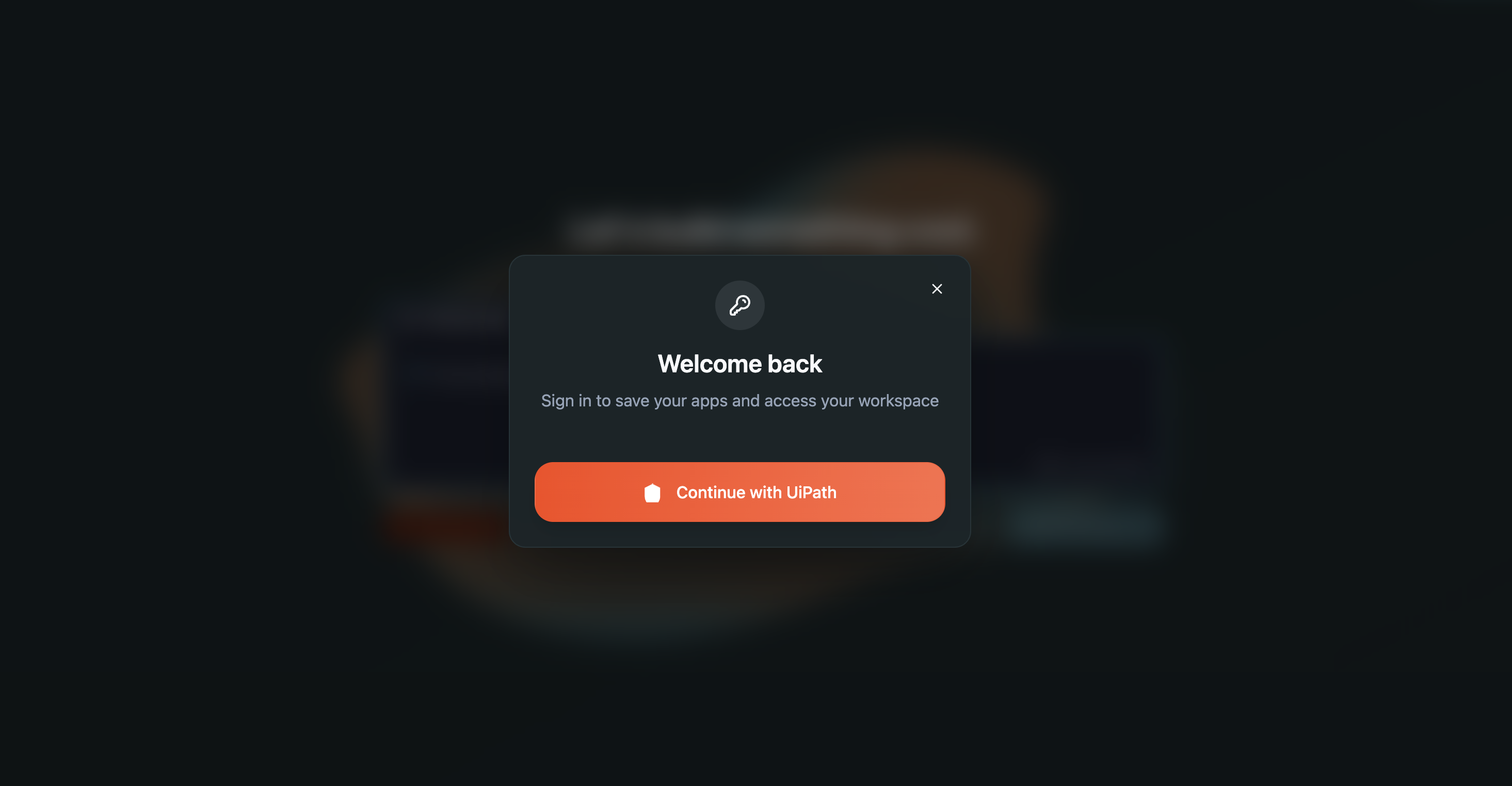
Sign in screen — “Continue with UiPath”.
b. Accept the terms and conditions.
After signing in, review and accept the terms and conditions to continue.
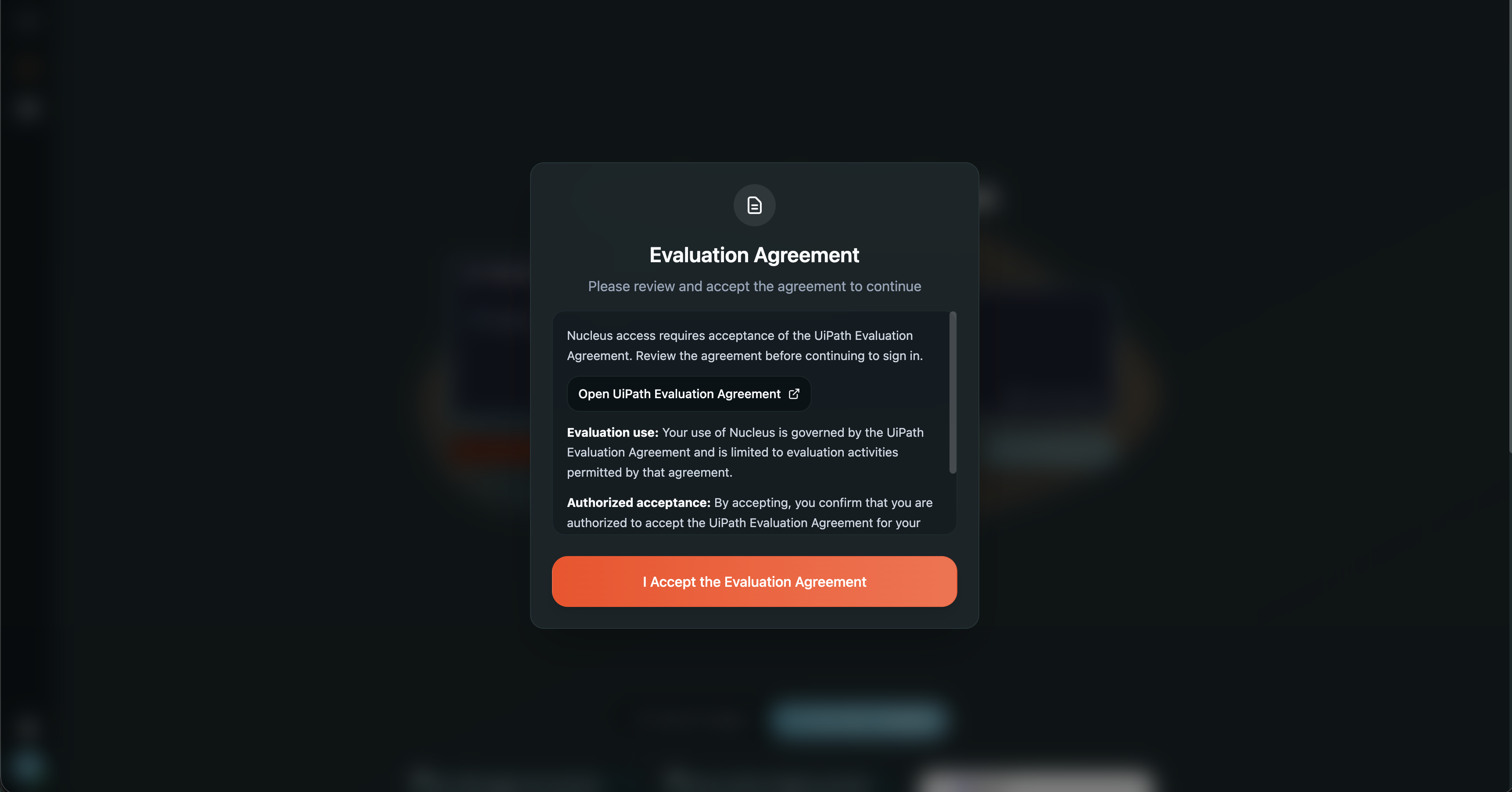
Accept the terms and conditions.
c. Select your tenant.
Choose the tenant your coded app will belong to. (You'll pick the folder to deploy into later, at the deploy step.)
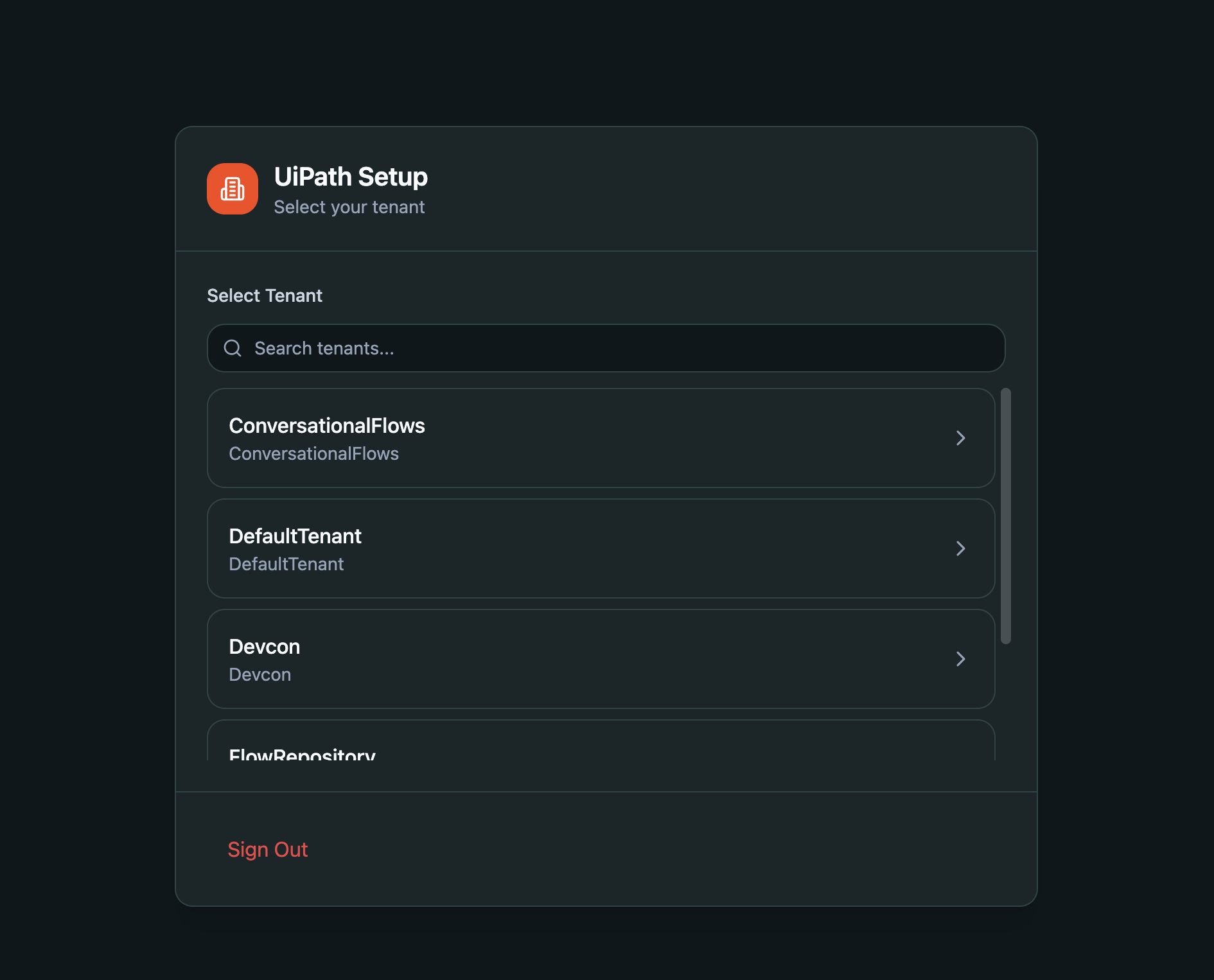
Select your tenant.
Configure your UiPath OAuth client
Nucleus needs a UiPath OAuth client so end-users can sign in and call UiPath APIs from the coded app. Set one up once from Settings.
a. Open Settings — the gear icon in the bottom-left corner of the sidebar, just above your profile icon.
b. Under UiPath OAuth Configuration, click Manage OAuth Clients.
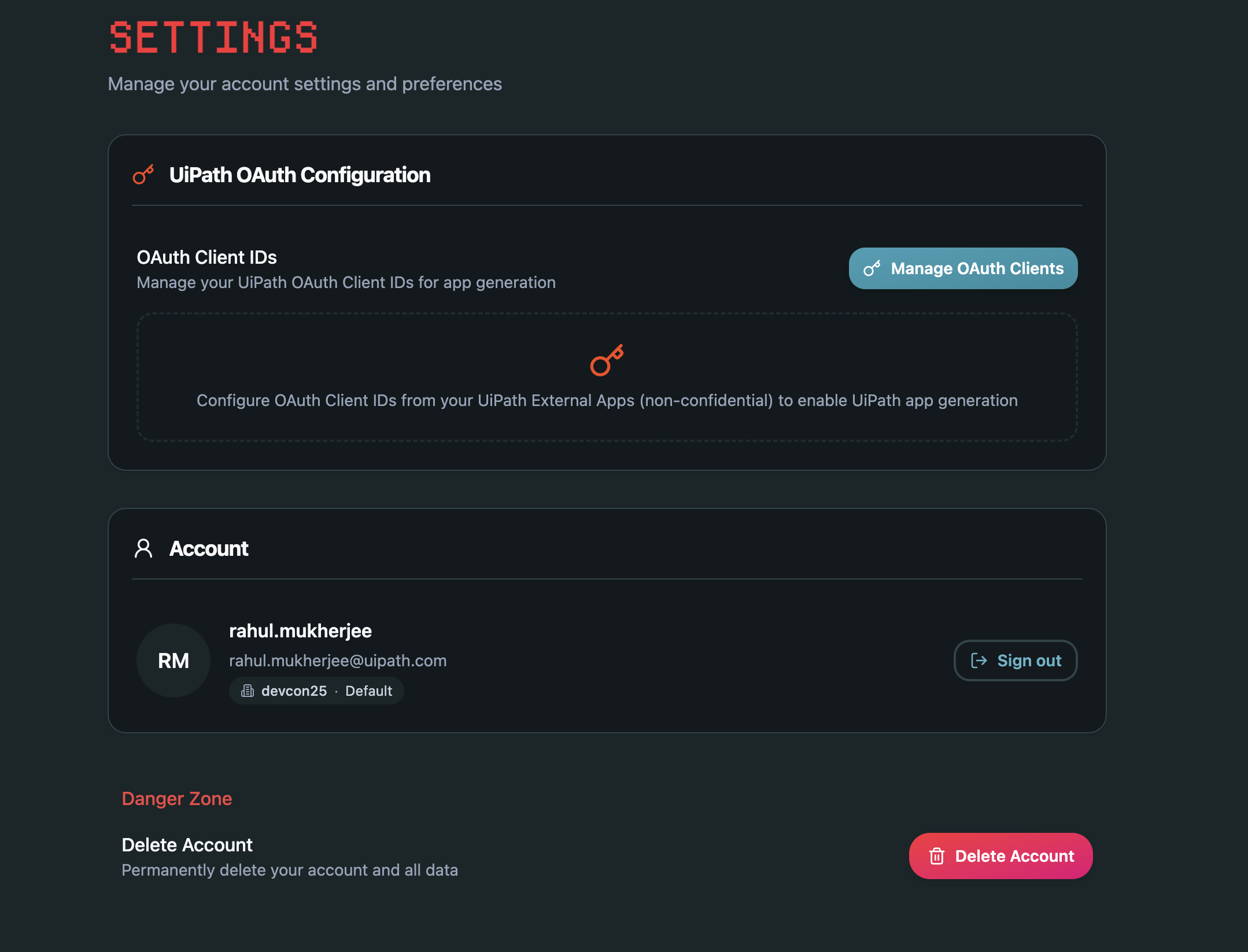
Settings → UiPath OAuth Configuration → Manage OAuth Clients.
c. Add an OAuth client — choose one:
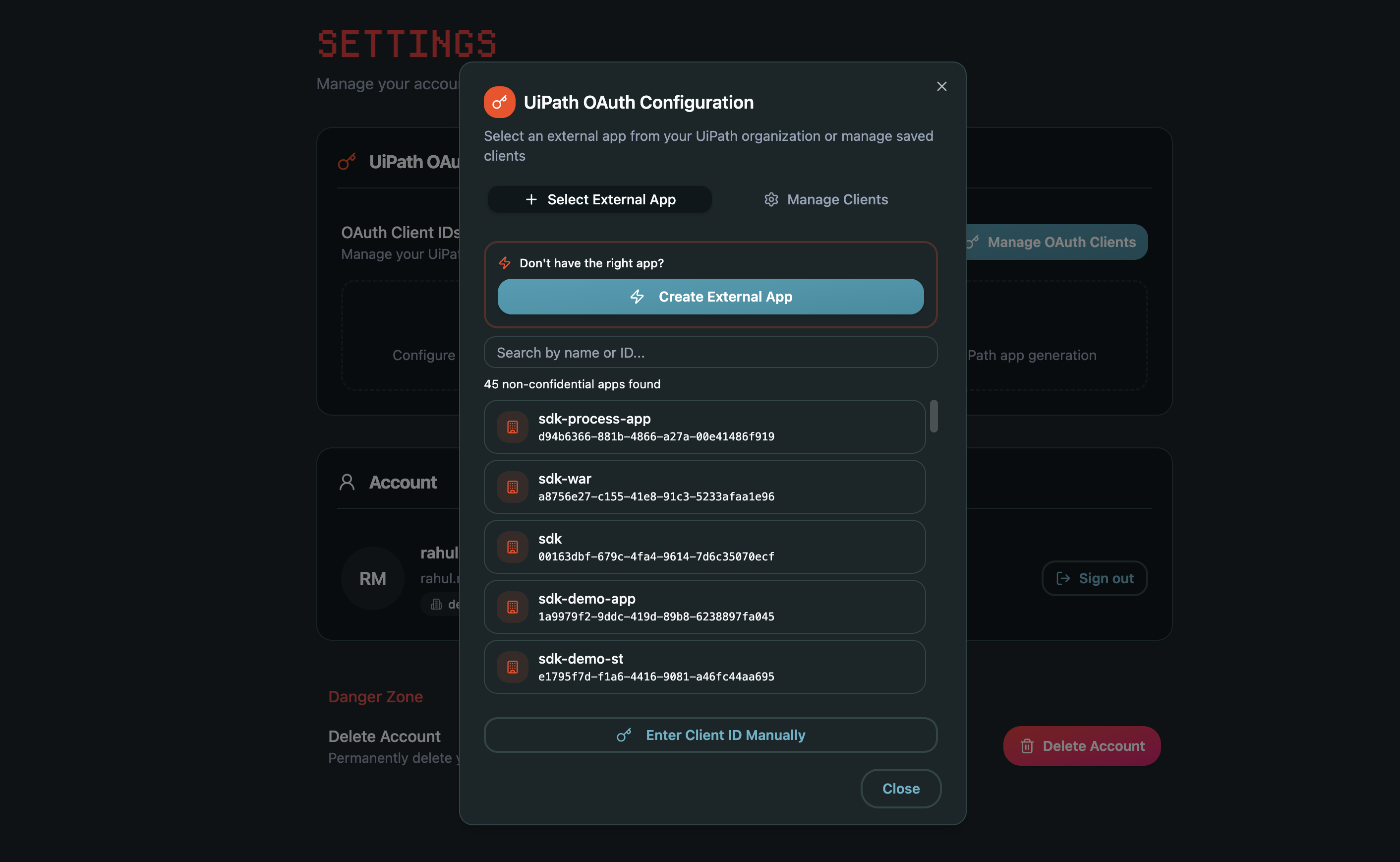
OAuth configuration dialog — create a client, enter a Client ID manually, or select an existing one.
Describe your idea and build
On the home screen, type your idea into the prompt box, or pick one of the sample prompts to start from and edit it. Press Start Building to generate the coded app, then refine it through chat until it does what you need.
Prompt to a generated coded app. Hover for playback controls — click fullscreen to see the detail.
Deploy in one click
When you're ready, click Deploy, pick the target folder, and confirm. A success banner shows the org, tenant, folder, and the deployed app URL.
One-click deploy to the UiPath platform. Hover for playback controls — click fullscreen to see the detail.
Ready to build your first coded app?
Open Nucleus →New to coded apps? Read the UiPath coded apps documentation →